On this page
- The three jobs a restaurant site must do
- Menu design that actually helps the customer
- Reservations: pick a system, then design around it
- Online ordering, delivery and click-and-collect
- Mobile-first is not a slogan for restaurants
- Performance targets that protect bookings
- Local SEO and AI visibility for restaurants
- Photography that sells the room
- Accessibility is not optional
- Content that keeps a restaurant site alive
- Common restaurant website mistakes to avoid
- A realistic budget for a UK restaurant website
- A simple four-week rebuild plan
- Common questions
Most people visit a restaurant website with one of three jobs in mind: check the menu, book a table or order food. If a site makes any of those slow, confusing or broken on mobile, the visitor moves on to the next Google result. Restaurant web design in 2026 is less about beautiful photography and more about removing every second of friction between a hungry customer and a confirmed booking or basket.
This guide is written for UK independents and small groups — cafés, gastropubs, takeaways, fine-dining rooms — that want a site the team can actually run without hiring an agency for every menu change. It covers the features that matter, the technical foundations that keep Google happy, and the practical decisions around reservations, online ordering and content.
The three jobs a restaurant site must do
- 1Show the menu, prices and dietary information without a download or a zoom-in.
- 2Take a reservation, order or enquiry on mobile in as few taps as possible.
- 3Answer the operational questions — opening hours, location, parking, allergens, kids, dogs — before anyone has to call.
Everything else — mood photography, chef biography, press coverage — supports those three jobs. It should never get in their way. A homepage that opens with a full-screen video before the menu is a homepage that loses evening bookings.
Menu design that actually helps the customer
Publish the menu as HTML, not a PDF
A PDF menu is invisible to most AI search summaries, awkward to zoom on a phone and easy to forget to update. Publish the menu as a proper HTML page with sections, prices, allergens and short descriptions. It becomes indexable, quick to edit and accessible to screen readers.
Make dietary information a first-class field
Vegan, vegetarian, gluten-free and the 14 UK allergens should be filterable or clearly tagged next to each dish. Natasha's Law obligations aside, guests increasingly choose restaurants that show this information without having to ask a server.
Keep pricing visible and current
A menu without prices reads as expensive. A menu with last summer's prices reads as careless. Give a single person on the team a five-minute weekly job to review the online menu against the printed one, and make the CMS easy enough that they can update it themselves.
Reservations: pick a system, then design around it
The reservation flow is where most restaurant sites lose bookings. A three-step embed that loads slowly on mobile, asks for a phone number twice and forces a login is a bounce. Choose one system — OpenTable, ResDiary, SevenRooms, Tock, Collins or a lightweight direct booking form — and integrate it so the guest never feels like they've left your brand.
- For high-volume neighbourhood venues, direct-booking systems with lower per-cover fees usually beat marketplace-first platforms once you drive your own traffic.
- For destination and fine-dining rooms with ticketed events, deposit-taking systems like Tock earn their keep by cutting no-shows.
- For small independents doing under ~40 covers a night, a well-built form that emails the team and syncs to a shared calendar can be more reliable than a paid platform.
Whichever route you take, put the booking widget above the fold on every page — sticky on mobile — and make it work with one thumb.
Online ordering, delivery and click-and-collect
Marketplace platforms — Deliveroo, Uber Eats, Just Eat — will always take a commission of 15–30%. A first-party ordering channel on your own domain protects the margin on repeat customers, who are the ones most likely to order direct once they know the option exists. The right answer is usually both: keep the marketplaces for discovery, and design the website to convert loyal customers to direct orders.
- 1Choose a specialist ordering platform (Flipdish, Slerp, Feed Me Online, Square Online Ordering) or a headless integration if the brand demands it.
- 2Feature a single, prominent 'Order direct' call to action on the home and menu pages.
- 3Offer a small direct-only incentive — free side, loyalty stamp, £2 off first order — that Deliveroo's terms won't let you offer through them.
- 4Support Apple Pay, Google Pay and saved cards. Every extra field on checkout costs conversions.
Mobile-first is not a slogan for restaurants
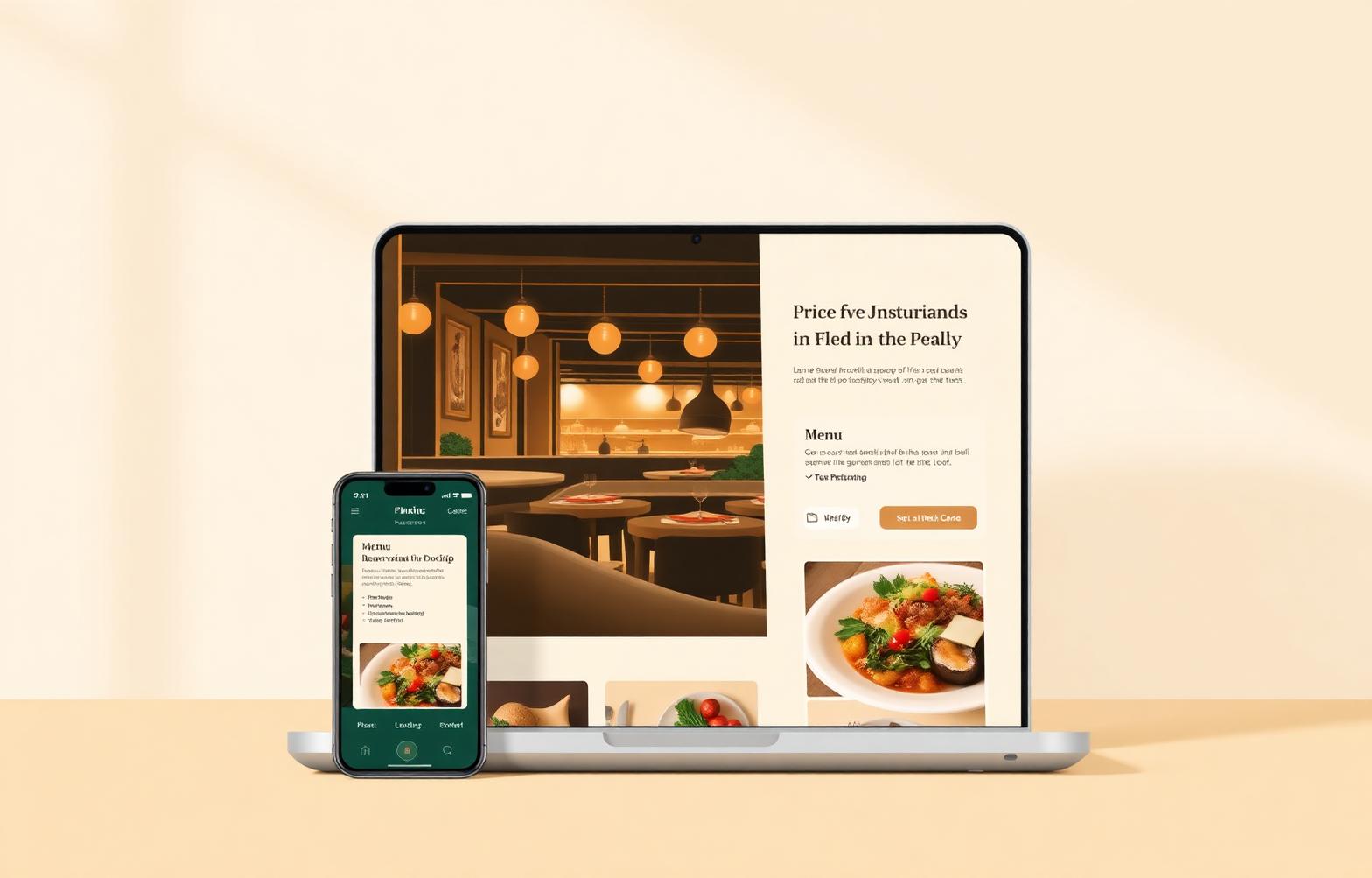
Around three-quarters of restaurant website visits happen on a phone, often outside on 4G, sometimes with one hand while walking. Design for that reality: large tap targets, sticky booking and call buttons, no autoplaying video with sound, no cookie banner that covers half the screen, and a menu that scrolls smoothly without pinch-zoom.
Performance targets that protect bookings
Google's Core Web Vitals correlate strongly with bounce rate on hospitality sites. Aim for Largest Contentful Paint under 2.5 seconds on mobile, Interaction to Next Paint under 200 ms and Cumulative Layout Shift close to zero. In practice, that means compressed hero imagery (AVIF or WebP, not 4 MB JPEGs), a light CSS framework, deferred third-party scripts and no auto-playing background video on mobile.
Local SEO and AI visibility for restaurants
The single highest-return channel for most independents is Google's local pack — the map and the three business results that appear for searches like 'italian restaurant near me' or 'sunday roast wellingborough'. Your website supports the Business Profile; it doesn't replace it.
- 1Claim and complete your Google Business Profile. Add the menu link, opening hours, service options (dine-in, takeaway, delivery), reservations link and up-to-date photos.
- 2Make sure the business name, address and phone number on your site match the Business Profile exactly.
- 3Add Restaurant schema to the site — servesCuisine, priceRange, acceptsReservations, menu, address and openingHours are the fields that matter.
- 4Publish a proper location page with an embedded map, transport notes, parking information and directions from nearby landmarks.
- 5Encourage recent reviews on Google. Volume and recency both count.
{
  "@context": "https://schema.org",
  "@type": "Restaurant",
  "name": "Your Restaurant",
  "servesCuisine": ["Italian", "Mediterranean"],
  "priceRange": "££",
  "acceptsReservations": true,
  "menu": "https://example.com/menu",
  "telephone": "+44 1604 000 000",
  "address": {
    "@type": "PostalAddress",
    "streetAddress": "12 Example Street",
    "addressLocality": "Northampton",
    "postalCode": "NN1 1AA",
    "addressCountry": "GB"
  },
  "openingHoursSpecification": [
    {
      "@type": "OpeningHoursSpecification",
      "dayOfWeek": ["Tuesday", "Wednesday", "Thursday"],
      "opens": "17:30",
      "closes": "22:00"
    }
  ]
}
Photography that sells the room
Stock food photography is instantly recognisable and undermines trust. Invest in one proper photoshoot — the room in service, three or four signature dishes, the team at work, one exterior shot — and reuse those images across the site, Google Business Profile and social. Optimise them for the web (long-edge 2000 px, AVIF or WebP, descriptive alt text) so they don't destroy performance.
Accessibility is not optional
- Colour contrast that meets WCAG AA — dark menus on darker backgrounds fail this quickly.
- Keyboard-navigable booking and ordering flows for guests using assistive technology.
- Descriptive alt text on menu images and location photos.
- Captions on any promotional video.
- A clear allergen and dietary section, ideally per dish.
Content that keeps a restaurant site alive
A restaurant site does not need a weekly blog. It needs a small, well-kept set of pages that reflect what the business actually does: seasonal menu changes, private hire and events, chef's tasting nights, Christmas and New Year opening, supplier stories, and — where relevant — press coverage. Two or three thoughtful updates a quarter beat a stream of thin posts.
Common restaurant website mistakes to avoid
- A splash-screen intro or full-screen video before the menu.
- A PDF menu that opens in a new tab and takes 8 seconds to load on 4G.
- A booking widget hidden behind a hamburger menu on mobile.
- Autoplaying music. Please, no autoplaying music.
- Contact details only inside a footer image, invisible to crawlers.
- A social wall pulling in every Instagram post, including the ones from three summers ago.
- No indication of whether the venue is open right now.
A realistic budget for a UK restaurant website
For an independent venue, expect a well-designed, custom-built site with menu, reservations and a first-party ordering integration to sit in the £3,000–£8,000 range in 2026, plus a small monthly cost for the booking or ordering platform. Group brands with multiple locations and richer content sit in £10,000–£25,000. The cheapest options — templated builders — can work at £30–£80 a month for a single-location café that mostly needs a menu and directions, but they usually creak once online ordering and events are involved.
A simple four-week rebuild plan
- 1Week 1 — Audit the current site's analytics, Google Business Profile and reservation flow. Decide on the reservation and ordering platforms.
- 2Week 2 — Rewrite the menu, location, private hire and about pages as short, useful HTML content. Book the photoshoot.
- 3Week 3 — Design and build the new site with a mobile-first layout, sticky booking button, embedded reservation and ordering, and Restaurant schema.
- 4Week 4 — Photography goes in, redirects are mapped from old URLs, Core Web Vitals are checked on a real 4G phone, and the Business Profile is updated on launch day.
Common questions
Do I still need a website if I'm on Deliveroo and Google?
Yes. Marketplaces own the customer relationship and take a commission on every order. Your website is where you turn a first-time diner into a regular one at full margin, publish the story of the restaurant and control how it appears in AI answers.
Should I use a website builder or a custom build?
For a single-location café with a simple menu, a good builder is usually fine. Once reservations, first-party ordering, events, private hire and multi-location come into play, a custom-built site tends to pay back within a year through lower platform fees and higher conversion.
How often should I update the site?
The menu should be updated whenever the printed one changes. Opening hours should be updated the moment they change — on the site and on Google Business Profile at the same time. Everything else can move quarterly.
“Design the site the way you'd want a friend's website to work when you're standing outside their restaurant, hungry, in the rain.”