On this page
- Start with the decision and the reporting scope
- Separate delivered work from the next recommendations
- Read the headline numbers with their limits
- A fictional report: more impressions, but a service page needs attention
- Keep enquiry outcomes separate from search visibility
- A short review record you can reuse
- End with priorities that somebody can act on
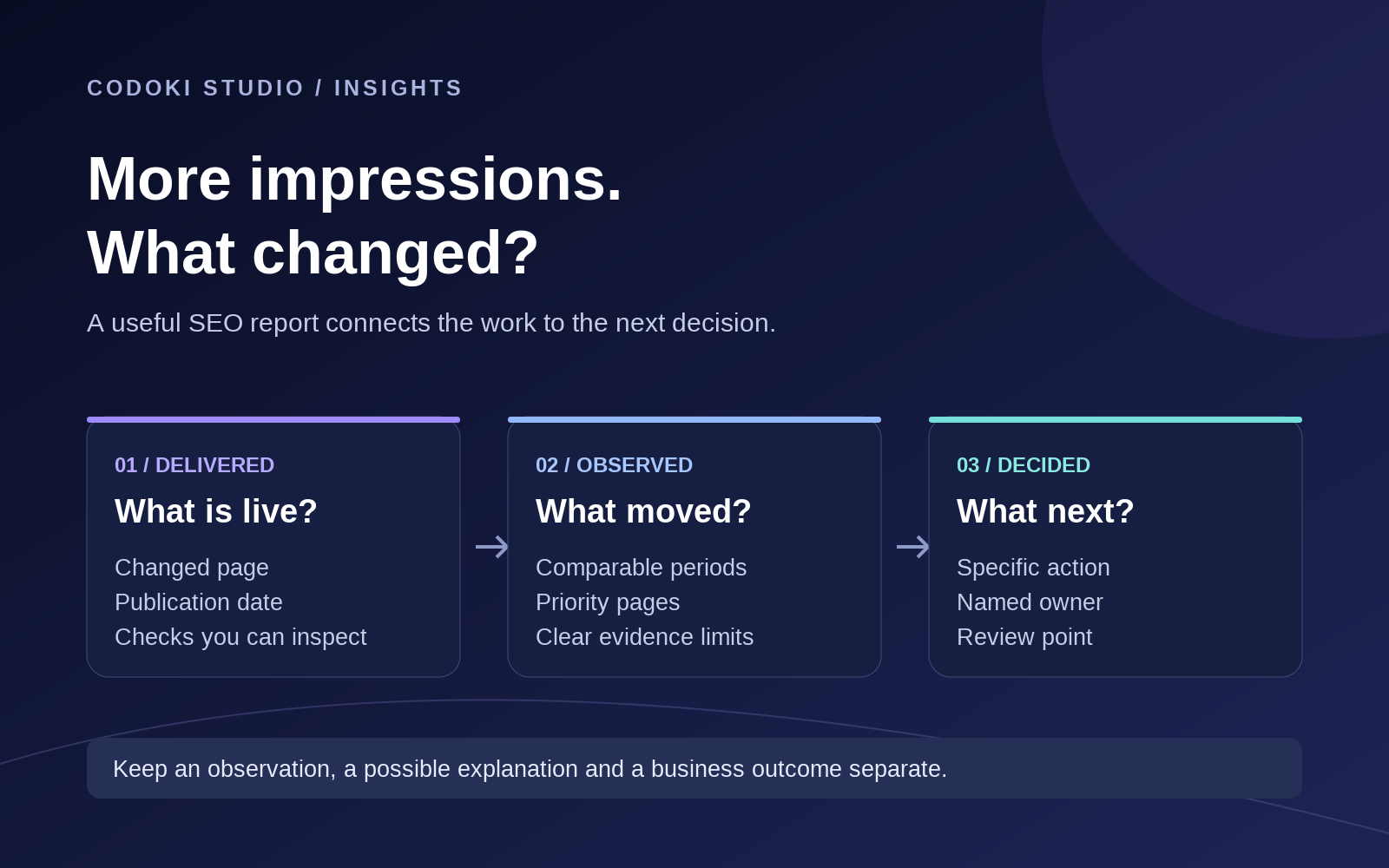
An SEO progress report should help a business owner decide what to do next. That requires more than a rising graph: which work reached the website, which searches and pages changed, what the evidence cannot explain, and who will act on the findings. A useful report connects those pieces without pretending that every change has one known cause.
This guide is for small UK businesses reviewing an agency, freelancer or internal SEO programme. It includes a fictional report you can adapt. All example figures and events are invented for explanation; they are not Codoki Studio results or a client case study.
Start with the decision and the reporting scope
Write the business priority in a sentence. For example: “Help suitable customers find our commercial maintenance service and understand whether we cover their requirements.” That gives the report a purpose. A general advice article attracting more searches may be useful, but it does not automatically answer whether that priority service is easier to discover.
Put the reporting settings beside the numbers. State the Search Console property, report, search type, country, device filters, dates and any page or query filters. If last month showed all countries and this month shows the UK, repair the comparison before interpreting the difference.
- Use complete periods of comparable length. Two full 28-day periods include the same number of each weekday; note holidays, seasonality or changes in availability that still affect the comparison.
- Keep the selected pages and query-group rules visible. Document a changed grouping rather than silently changing what counts as a priority service.
- Record when the report was exported. Check whether the selected dates include preliminary data before calling a period complete.
Separate delivered work from the next recommendations
A report needs a short implementation record. “Improved content” is difficult to inspect. Name the changed URL, explain the change, give the publication date and link to the check. Keep drafts, approved work, published work and unresolved issues in separate statuses.
- Delivered: the service page now explains eligibility and response steps; published on the recorded date and checked on mobile.
- Recommended: add an example showing how the service works; the business still needs to supply and approve the facts.
- Unresolved: an old page redirects to the wrong destination; identify the person responsible and the planned correction.
These are examples of reporting language, not a fixed package of services. Ask the supplier to connect each completed item to the agreed scope. A submitted indexing request, a page that can be indexed and a page confirmed as indexed are also different statuses. Record the observed status without upgrading it to the hoped-for result.
Local listings: check what actually went live
If your agreed SEO scope includes business listings, ask for a record you can inspect rather than a total such as “ten citations completed”. Submission, provider approval, public visibility, a working website link and business access are separate checks. A profile can pass one and still need work on another. Only record a website link as delivered when the agreed destination is present and works; some listings may be useful without including one.
- Sector directory A: submission received; provider review pending; no public profile yet. Report “submitted, awaiting review”, with the receipt date and a follow-up owner. Do not count a live listing or link.
- Local directory B: public profile opens, but the website button leads to an old address. Report “live, correction outstanding”. Record the incorrect destination and verify the intended one after the correction.
- Professional directory C: the public details and website link were checked, but the business has not accepted its management invitation. Record the public checks as passed and access as pending. If business control was part of the scope, the handover is still incomplete.
Agree acceptance checks before work starts. Record the public URL and check date, compare the displayed services and contact details with approved facts, and have an authorised business representative confirm the agreed access in their own account. An invitation receipt or a supplier’s screenshot does not establish that the business can manage the profile. Follow each platform’s current access process; never put passwords or recovery codes in the report.
Listing / agreed deliverable:
Submission receipt and date:
Provider approval: confirmed / pending / unknown
Public URL and date checked:
Business details checked / corrections needed:
Website link destination tested / not included:
Business access: accepted and checked / pending / unknown
Remaining action, responsible person and review date:
Keep search outcomes below this delivery record. A publicly visible profile does not prove that Google indexed it, that it improved a keyword position or that an AI answer recommended the business. Check those claims separately using dated evidence. During a supplier handover, carry unresolved corrections forward instead of changing their status to complete.
Read the headline numbers with their limits
Search Console clicks record interactions from Google results, while impressions describe appearances under Google’s counting rules. CTR is clicks divided by impressions. Average position summarises the topmost result across the impressions in the chosen view; it is not a promise that every customer sees the same rank. Compare the same view over time and inspect important pages and searches underneath it.
A change in the mix of searches can change a headline average. A site may start appearing for more broad, early-research questions while its important service searches remain flat. Separate branded searches, priority service questions and useful informational topics where the available data supports that distinction. Explain the grouping and retain an unclassified category rather than forcing every row into a convenient story.
Do not force the sum of visible table rows to match every chart total. Google uses different aggregation rules for property and page views. Preserve the report settings and explain which total you used. Keep unavailable values marked unavailable; copying a value into a spreadsheet does not establish that it represents a measured zero.
A fictional report: more impressions, but a service page needs attention
- Whole-property impressions: 4,000 → 6,000, an increase of 50%.
- Whole-property clicks: 80 → 90, an increase of 12.5%.
- Whole-property CTR: 2% → 1.5%, down 0.5 percentage points.
- Separate priority-service-page view: impressions 2,000 → 1,800; clicks 60 → 54; CTR remains 3%. These page-filtered figures are a separate view, not rows to add to the property total.
The headline tells us that the site appeared more often and received ten additional clicks. It also tells us that impressions grew faster than clicks. It does not establish why. Meanwhile, the priority page received six fewer clicks: a 10% fall despite the positive whole-site total.
The useful next step is to inspect the searches contributing to each change, check whether the affected service page is still accessible and indexed, and compare its presentation with the current intent of those searches. The report should distinguish observations from possible explanations. “More appearances for broad advice searches” needs supporting query evidence; “our new content caused growth” needs more than matching dates.
Turn that observation into a small action record
- 1Finding: overall clicks increased, while the priority service page lost clicks.
- 2Investigation: the SEO lead reviews the page’s query and device views, indexing status and recorded site changes. Keep the evidence and any data gaps beside the finding.
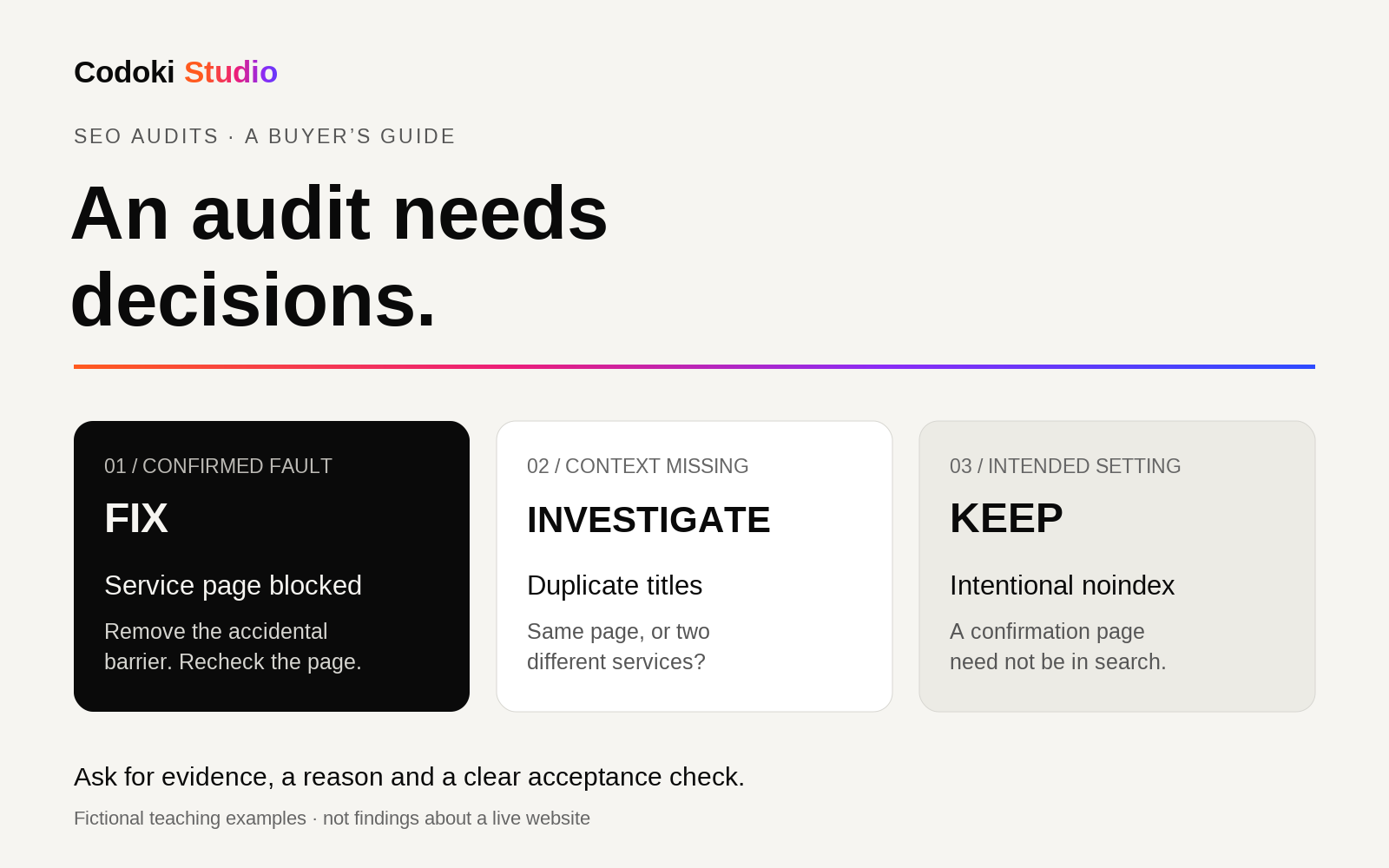
- 3Decision: address a verified fault promptly; otherwise select a specific, justified content or search-presentation improvement. Do not replace the entire page because one total fell.
- 4Owner and review: name the implementer, record the publication date and choose the next complete comparison window. With small numbers, extend observation rather than declaring success from a few clicks.
Keep enquiry outcomes separate from search visibility
The business can maintain a private count of enquiries, enquiries that fit the service, proposals and confirmed work. Those are useful alongside search reports, but they do not establish which search click became which enquiry. In the fictional report, the business might record three suitable enquiries and no volunteered source information. The search attribution remains unknown; dividing those three enquiries by 90 clicks would imply a connection the evidence does not provide.
If a customer volunteers how they found the business, record it as self-reported information. Keep personal details out of shared SEO summaries. Search Console reporting and a manually reviewed business record can support this conversation without adding visitor tracking scripts or advertising pixels.
A short review record you can reuse
Copy these fields into your existing project notes. A blank field is a prompt to investigate, not permission to invent a result.
Business priority:
Report dates and filters:
Delivered changes and live URLs:
Observed search change:
Known limitations or missing evidence:
Possible explanations to investigate:
Verified enquiry outcomes (source known / unknown):
Next decision and supporting evidence:
Owner, deadline and review date:
End with priorities that somebody can act on
A useful closing page names a few decisions: fix the verified issue, finish the already approved improvement, investigate the unexplained change, or continue observing an immature result. Give each an owner, evidence requirement and review point. A longer task list is not automatically a better plan.
For AI search work, keep the same discipline. A sampled answer that mentions the business, a linked citation, a search click and an enquiry are different observations. Record the question, platform and date when sampling answers; avoid turning one favourable response into a claim of stable visibility.
Before accepting the next report, check that you can explain what changed, inspect what was delivered and name the next decision. If you are comparing SEO support, ask for this reporting approach in the scope so both sides agree what progress will mean.